How to Check Your Child's Grades in Aeries
Posted Date: 04/09/26 (08:40 AM)
Hi Parents and Guardians,
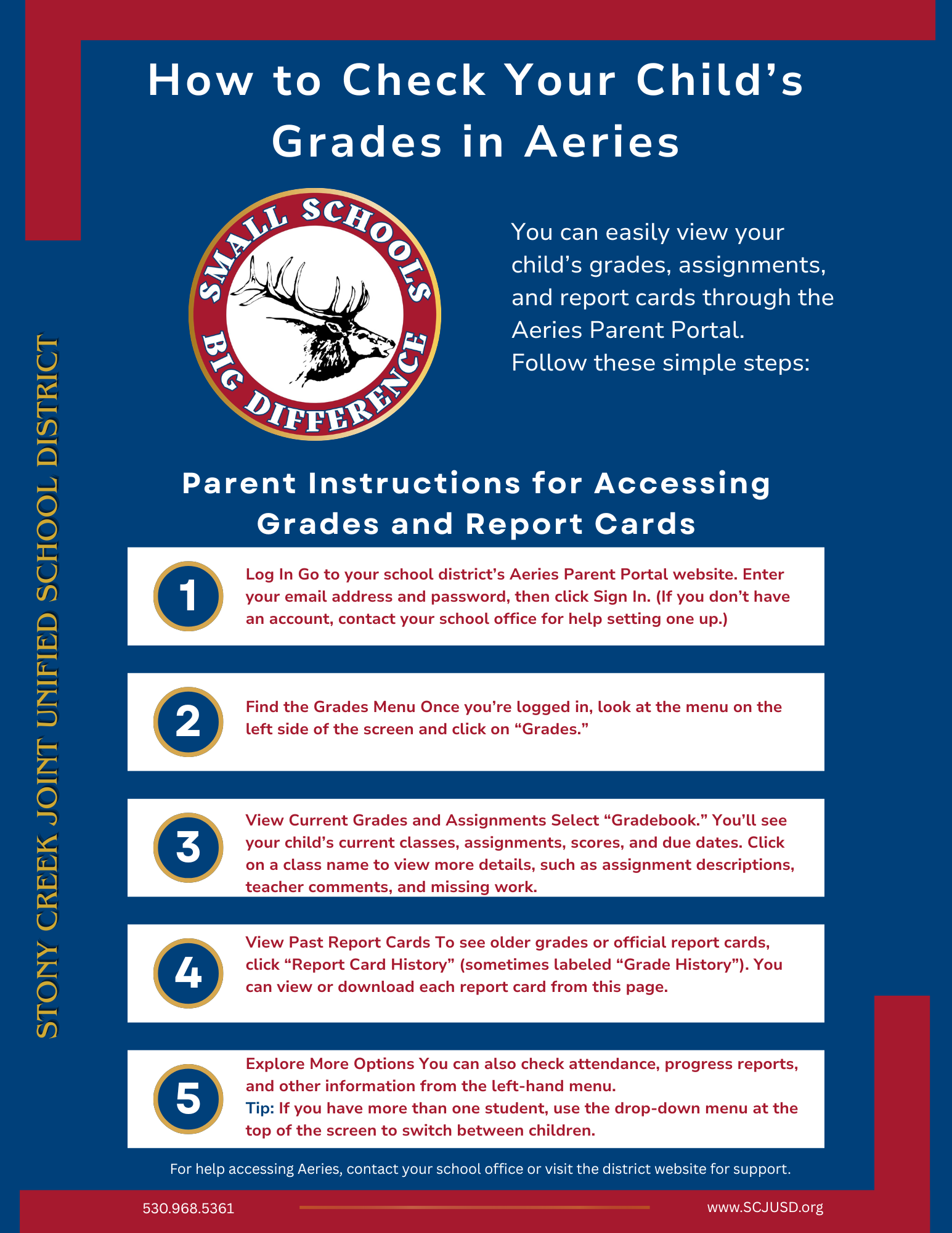
We want to make it easy for you to stay connected to your child’s progress throughout the school year. You can view grades, assignments, and report cards anytime through the Aeries Parent Portal.
If you already have an account, simply log in and click on “Grades” to see current progress and “Gradebook” for more detailed information, including assignments and teacher comments. You can also access past report cards under “Report Card History.”
If you have more than one child, be sure to use the drop-down menu at the top of the screen to switch between students.
If you need help setting up your Aeries account or accessing your child’s information, please don’t hesitate to contact the school office. We are happy to assist you.
Staying informed is one of the best ways to support your child’s success, and we appreciate your partnership.
Thank you,
Stony Creek Joint Unified School District